
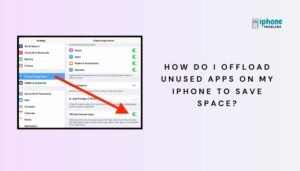
How Do I Offload Unused Apps on My iPhone to Save Space?
Running low on storage space? iPhones offer a clever solution called offloading apps, which helps you free up storage without losing your app data. Whether you're trying to install a new iOS update or simply want a cleaner device, offloading...
Read More
How Do I Hide Apps on My iPhone (Remove from Home Screen Without Deleting)?
Want to declutter your Home Screen or keep certain apps out of sight without uninstalling them? Good news: your iPhone offers several ways to hide apps without deleting them. Whether you’re organizing your phone, protecting privacy, or simplifying your layout,...
Read More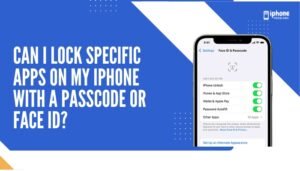
Can I Lock Specific Apps on My iPhone With a Passcode or Face ID?
If you’ve ever wondered whether you can lock certain apps on your iPhone with a passcode, Face ID, or Touch ID, the answer is: yes—partially. While Apple doesn’t yet offer a universal “App Lock” feature like some Android devices, there...
Read More
How Do I Hide or Unhide Photos in the Photos App on My iPhone?
Your iPhone's Photos app gives you full control over your media, including the ability to hide private photos without deleting them. Whether you want to keep personal images away from prying eyes or just declutter your main photo library, hiding...
Read More
How Do I Mark Up or Draw on a Photo or Screenshot on My iPhone?
Need to annotate a screenshot, circle part of a photo, or add text and arrows to an image? The iPhone’s Markup feature lets you draw, highlight, write, and add shapes directly to your photos and screenshots—without needing third-party apps. Whether...
Read More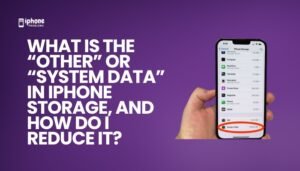
What Is “Other” or “System Data” in iPhone Storage, and How Do I Reduce It?
If you've ever checked your iPhone storage and been surprised by a large section labeled "Other" or "System Data", you're not alone. This mysterious category often takes up several gigabytes and seems impossible to clear. So, what is it—and more...
Read More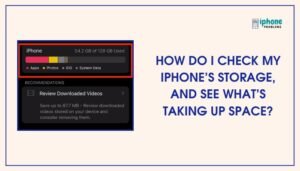
How Do I Check My iPhone’s Storage, and See What’s Taking Up Space?
Running out of storage on your iPhone? You’re not alone. As apps, photos, videos, and messages pile up, your device can start to slow down or limit downloads. Luckily, your iPhone provides a detailed breakdown of what’s using up space,...
Read More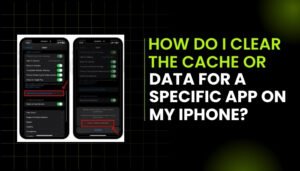
How Do I Clear the Cache or Data for a Specific App on My iPhone?
Over time, individual apps on your iPhone collect cached data to speed up performance and store temporary files. This includes images, web files, search history, and other background data. However, these files can accumulate and take up valuable storage space,...
Read More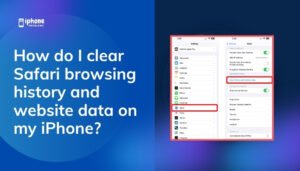
How Do I Clear Safari Browsing History and Website Data on My iPhone?
Over time, Safari on your iPhone stores data from websites you visit—including your browsing history, cookies, cache, and login information. While this helps websites load faster and makes browsing more convenient, it can also take up valuable storage space and...
Read More
How Do I Use My iPhone’s Calculator, and Can I Access Scientific Calculator Mode?
Your iPhone includes a built-in Calculator app that can perform a wide range of calculations—from simple arithmetic to complex scientific functions. Whether you're balancing your budget, calculating percentages, or solving equations, the iPhone calculator is a convenient tool that’s always...
Read More